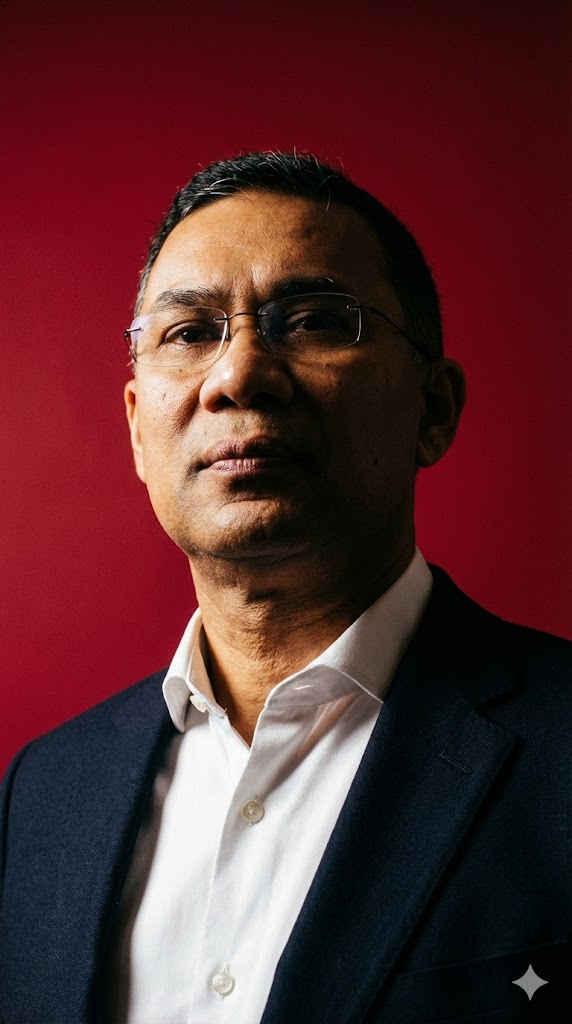
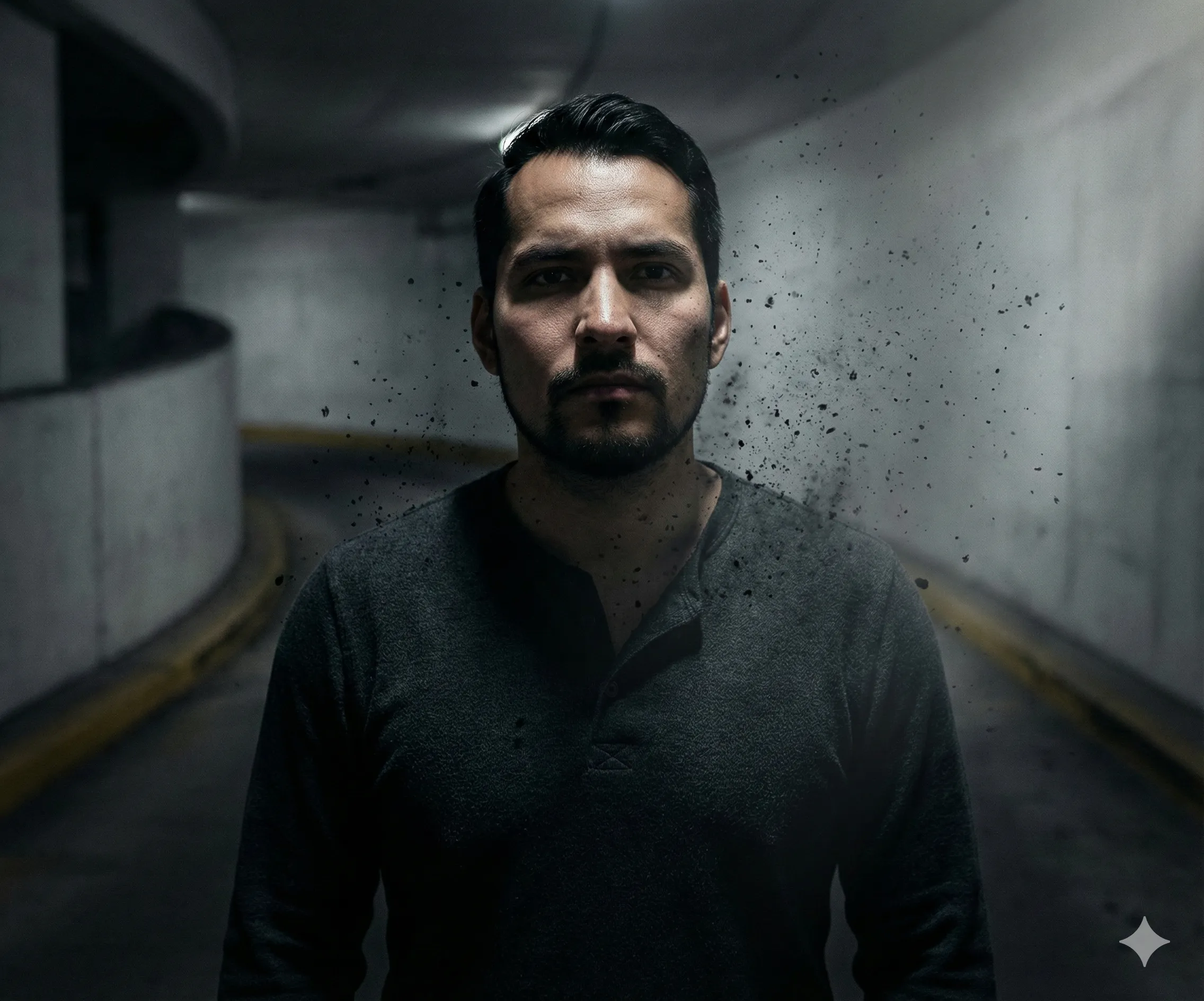
Ultra Realistic Ghost Portrait AI Prompt
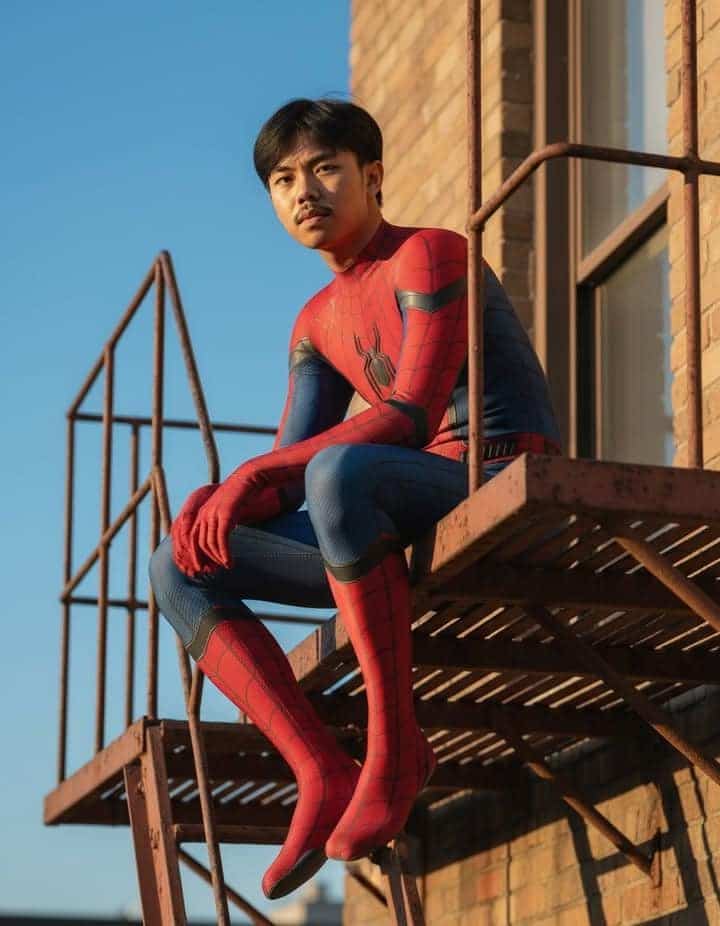
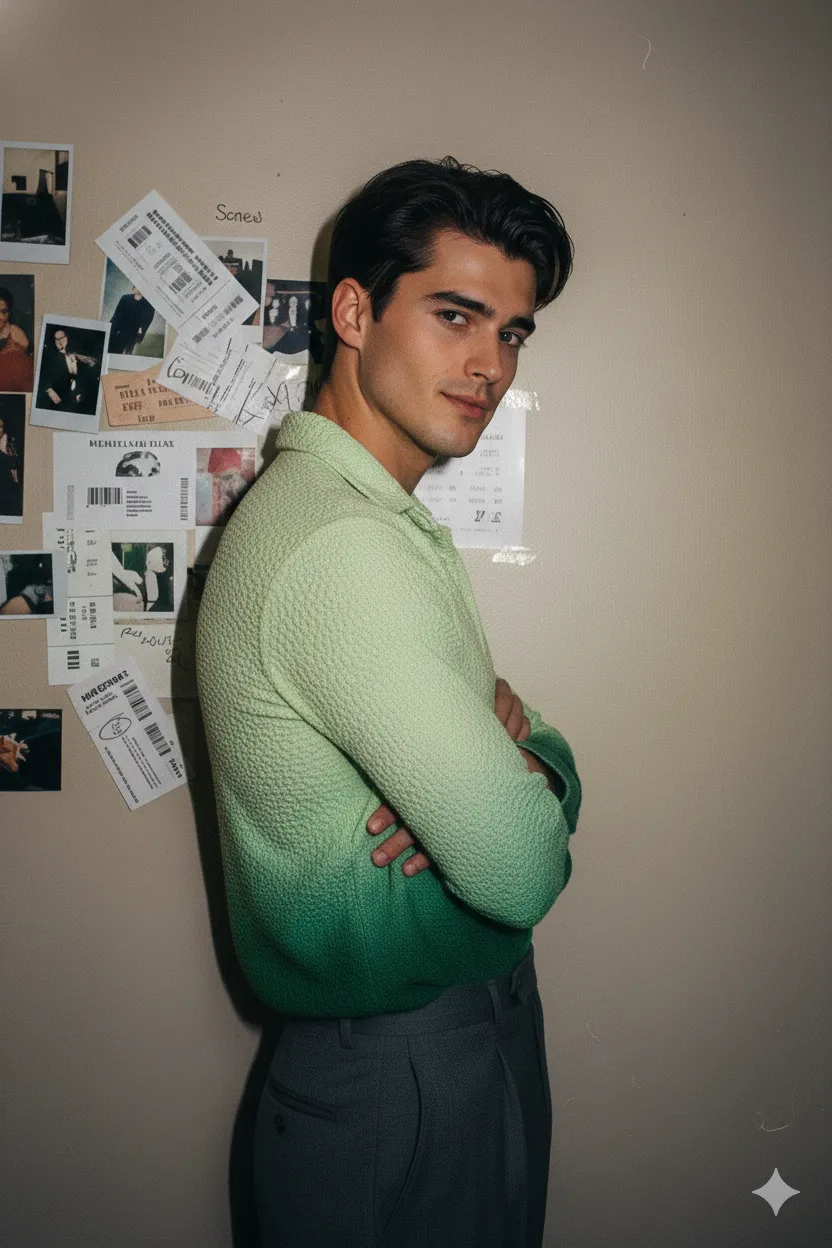
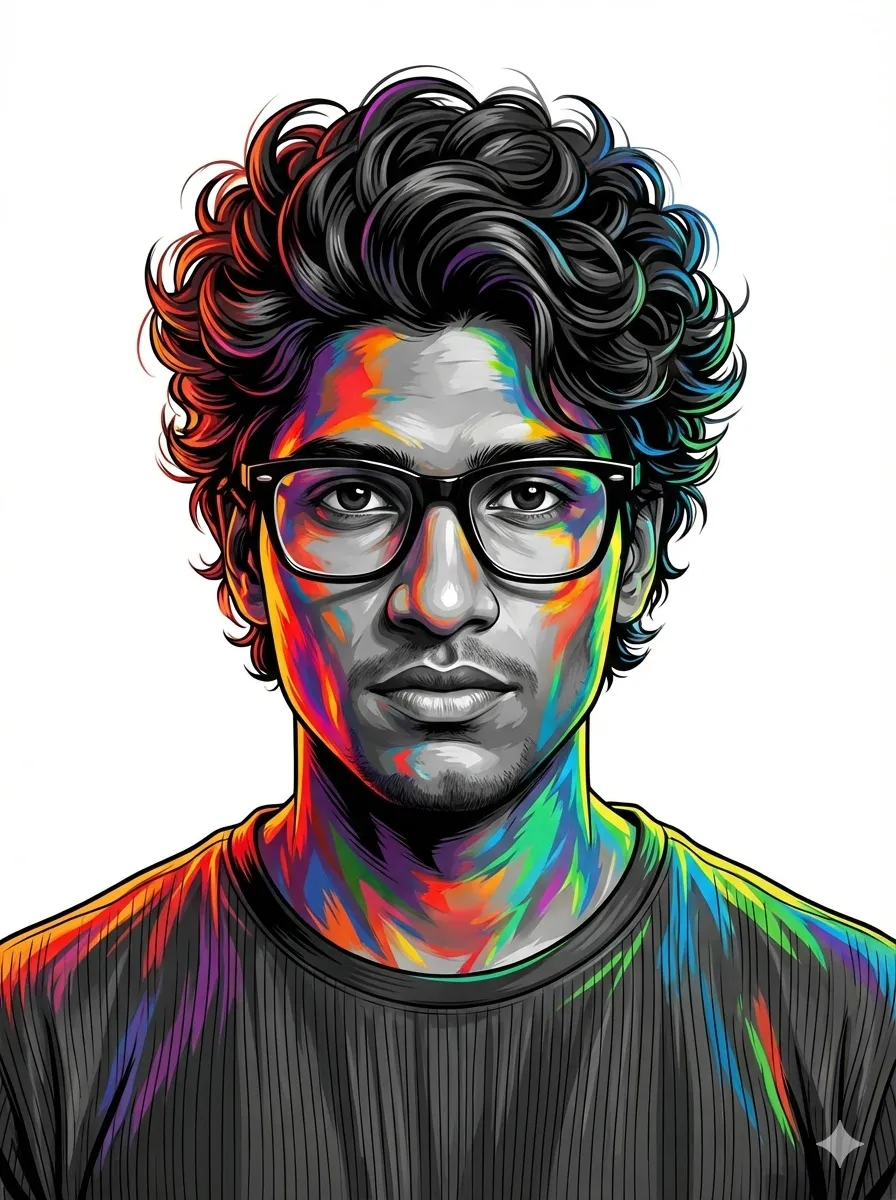
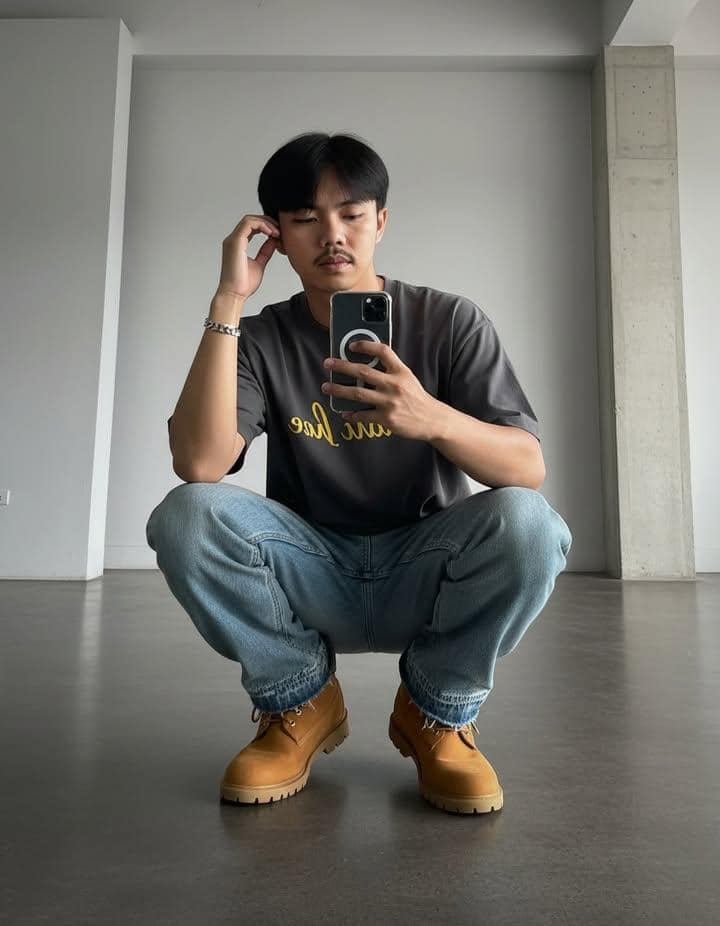
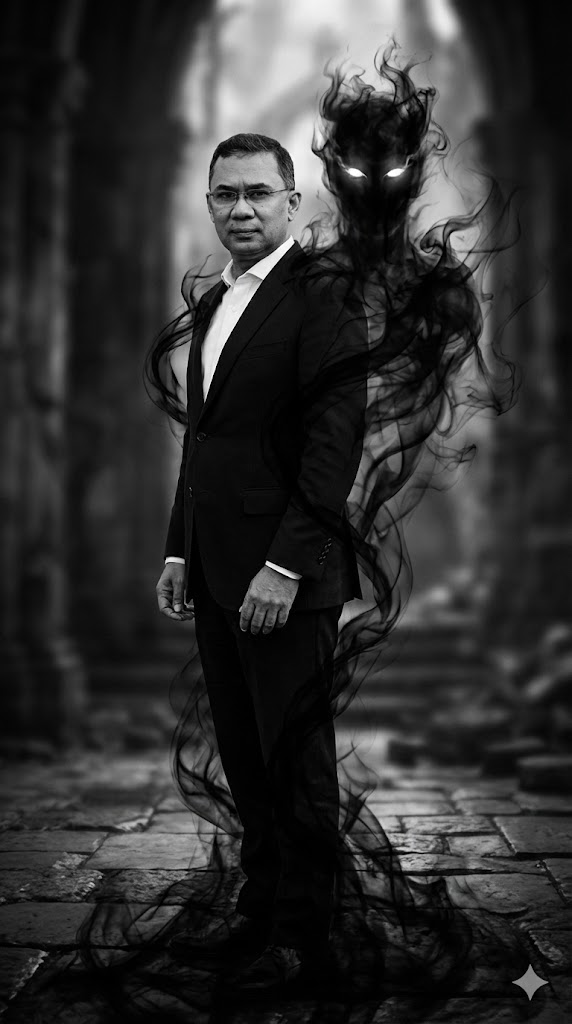
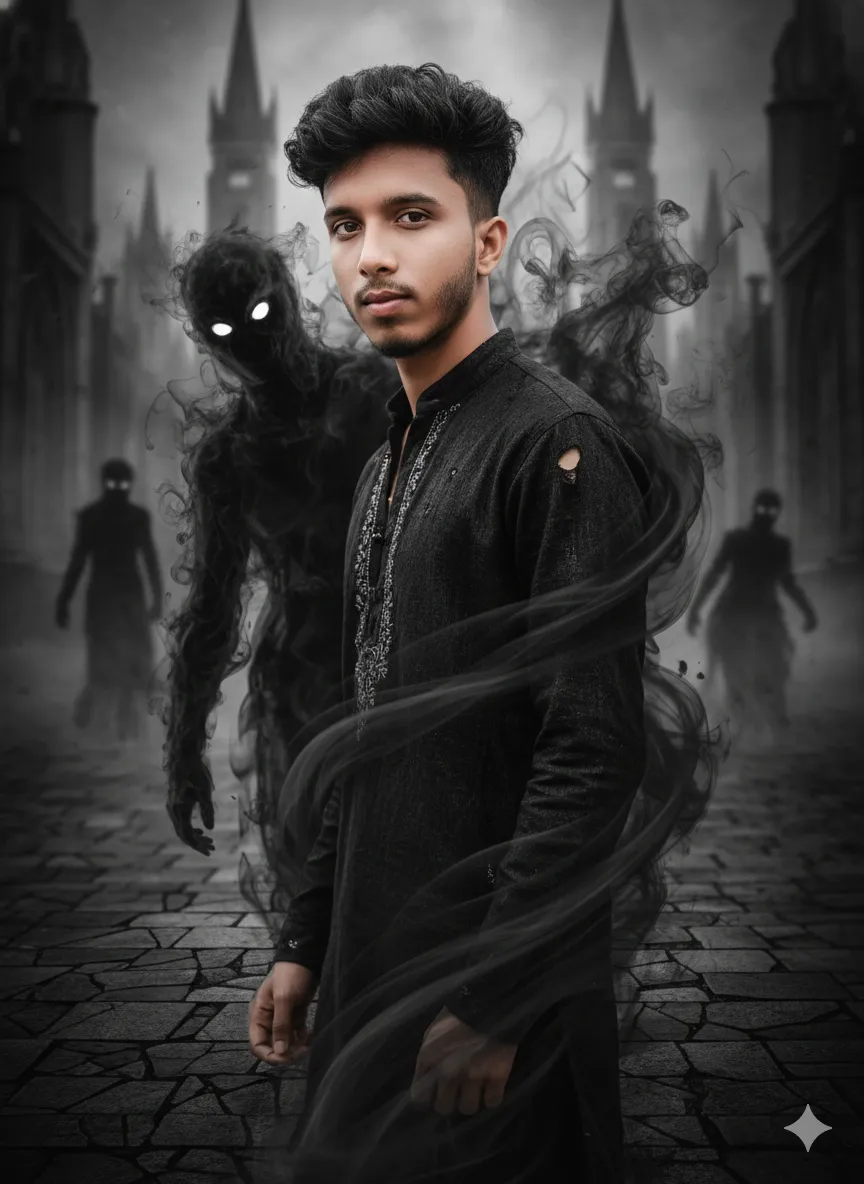
This AI prompt creates a dramatic, cinematic black and white portrait where your likeness is haunted by a semi-transparent shadow entity made of swirling smoke with glowing eyes.
Generated Images
The Prompt
Create a 8k portrait ultra-realistic dark, cinematic ghost fantasy scene photography of me exact same facial and pysical features from uploaded image with same hair style. me standing confidently one side pose with looking slightly at the camera. Add a semi-transparent shadow entity made of swirling black smoke with glowing white eyes emerging from behind. Let the smoke wrap naturally around the body and blend into the floor. Use a black-and-white ghost-themed background, high contrast, moody cinematic lighting, ultra-realistic. aspect ratio 9:16
How to Use
1. Upload your reference photo to your AI image generator. 2. Copy and paste the full prompt text. 3. For best results, adjust the prompt to specify your desired gender (e.g., 'man' or 'woman') if not implied. 4. Use the 9:16 aspect ratio for a vertical portrait. 5. Generate the image and refine with variations if needed.
Prompt Variations
1. 1. Ethereal Blue Specter
Ideal for a colder, more supernatural feel. Changes the smoke entity from black to a translucent ethereal blue with brighter, piercing white eyes, and adds a cool color grade to the entire scene.
Create a 8k portrait ultra-realistic dark, cinematic ghost fantasy scene photography of me exact same facial and physical features from uploaded image with same hair style. Me standing confidently one side pose looking slightly at camera. Add a semi-transparent ethereal blue smoke entity with glowing white eyes emerging from behind, smoke wrapping around body and blending into floor. Black-and-white ghost-themed background, high contrast, moody cinematic lighting with cool color grading, ultra-realistic, 9:16
2. 2. Abandoned Mansion Interior
Best for a classic horror setting. Changes the background from a generic ghost-themed backdrop to a detailed, decaying abandoned mansion interior with tattered curtains and moonlight streaming through broken windows.
Create a 8k portrait ultra-realistic dark, cinematic ghost fantasy scene photography of me exact same facial and physical features from uploaded image with same hair style. Me standing confidently one side pose looking slightly at camera in an abandoned mansion interior. A semi-transparent shadow entity of swirling black smoke with glowing white eyes emerges from behind, smoke wrapping naturally around body and blending into the decaying wooden floor. High contrast, moody moonlight, ultra-realistic, 9:16
3. 3. Misty Graveyard at Night
Suited for an outdoor gothic atmosphere. Changes the setting to a foggy graveyard at night with ancient tombstones and twisted trees, enhancing the ghostly narrative.
Create a 8k portrait ultra-realistic dark, cinematic ghost fantasy scene photography of me exact same facial and physical features from uploaded image with same hair style. Me standing confidently one side pose looking slightly at camera in a foggy graveyard at night with ancient tombstones. A semi-transparent shadow entity of swirling black smoke with glowing white eyes emerges from behind, smoke wrapping around body and blending into the misty ground. High contrast, moody cinematic lighting, ultra-realistic, 9:16
4. 4. Single Intense Key Light
Perfect for maximum drama. Changes the lighting to a single, harsh key light from the side, creating extremely long and deep shadows that exaggerate the presence of the smoke entity.
Create a 8k portrait ultra-realistic dark, cinematic ghost fantasy scene photography of me exact same facial and physical features from uploaded image with same hair style. Me standing confidently one side pose looking slightly at camera. A semi-transparent shadow entity of swirling black smoke with glowing white eyes emerges from behind, smoke wrapping around body. Single intense key light from the side creating deep, dramatic shadows, black-and-white ghost-themed background, ultra-realistic, 9:16
5. 5. Smoke Forming Skulls
Great for a more detailed and menacing entity. Changes the shape of the black smoke to include partially formed, screaming skulls within the swirling mass, adding intricate horror details.
Create a 8k portrait ultra-realistic dark, cinematic ghost fantasy scene photography of me exact same facial and physical features from uploaded image with same hair style. Me standing confidently one side pose looking slightly at camera. A semi-transparent shadow entity made of swirling black smoke with glowing white eyes emerges from behind, the smoke forming into partially visible screaming skulls as it wraps around the body and blends into the floor. Black-and-white ghost-themed background, high contrast, moody cinematic lighting, ultra-realistic, 9:16
6. 6. Wide Cinematic Shot
Ideal for emphasizing the environment. Changes the framing to a wider shot, showing more of the ghostly background and making the figure and smoke entity a part of a larger, more epic scene.
Create a 8k portrait ultra-realistic dark, cinematic ghost fantasy scene photography of me exact same facial and physical features from uploaded image with same hair style. Me standing confidently one side pose looking slightly at camera, framed in a wide cinematic shot. A semi-transparent shadow entity of swirling black smoke with glowing white eyes emerges from behind, smoke wrapping around body and blending into floor. Expansive black-and-white ghost-themed background, high contrast, moody cinematic lighting, ultra-realistic, 9:16
7. 7. Vintage Tintype Ghost
Best for an antique, historical ghost story feel. Changes the overall look to mimic a vintage tintype photograph with sepia tones, metal plate texture, and subtle scratches, blending the modern subject with a 19th-century aesthetic.
Create a 8k portrait ultra-realistic dark, cinematic ghost fantasy scene photography of me exact same facial and physical features from uploaded image with same hair style. Me standing confidently one side pose looking slightly at camera. A semi-transparent shadow entity of swirling black smoke with glowing white eyes emerges from behind. Finished to look like a vintage tintype photograph, sepia tones, metal plate texture, subtle scratches, high contrast, moody lighting, ultra-realistic, 9:16
FAQ
- How do I use my own face in this AI ghost portrait?Most AI image generators have an 'upload image' feature. Use a clear, well-lit frontal photo of yourself as a reference image, then use this prompt.
- Which AI image generator works best for this prompt?This prompt works well in Midjourney for artistic style, DALL-E 3 for prompt understanding, and Stable Diffusion with proper checkpoints for photorealism.
- Can I get a color version of this ghost portrait?Yes. Simply remove the 'black-and-white' phrase from the prompt or change it to 'desaturated colors' or 'cool color palette'.
Related Prompts