AI Prompt: Pop Art Vector Portrait from Photo
An AI prompt to transform a photo into a high-end pop-art vector illustration with bold outlines, vibrant colors, comic effects, and a cute, stylish background.
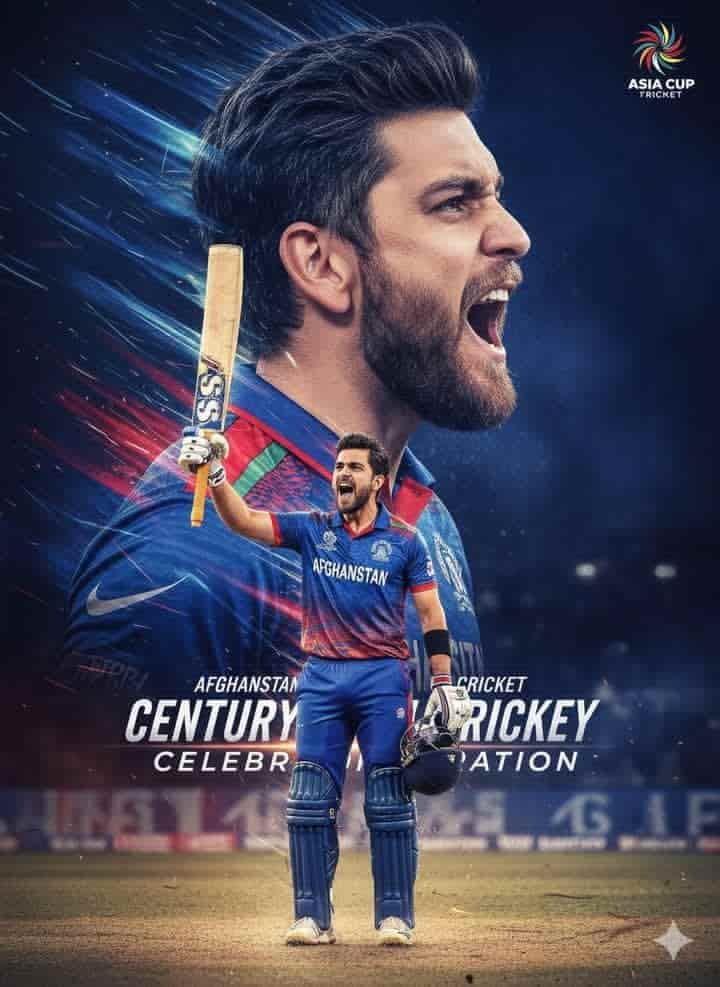
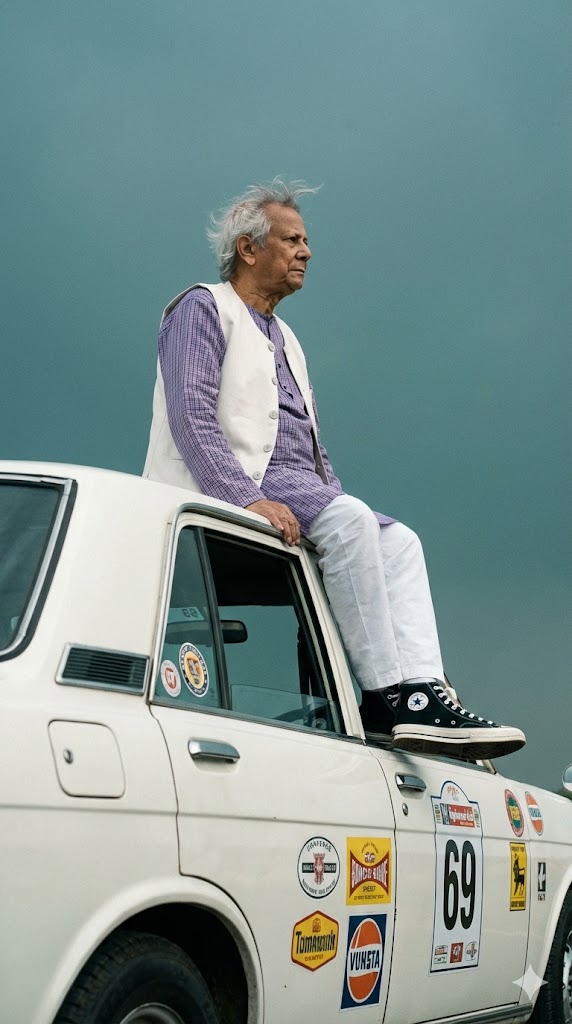
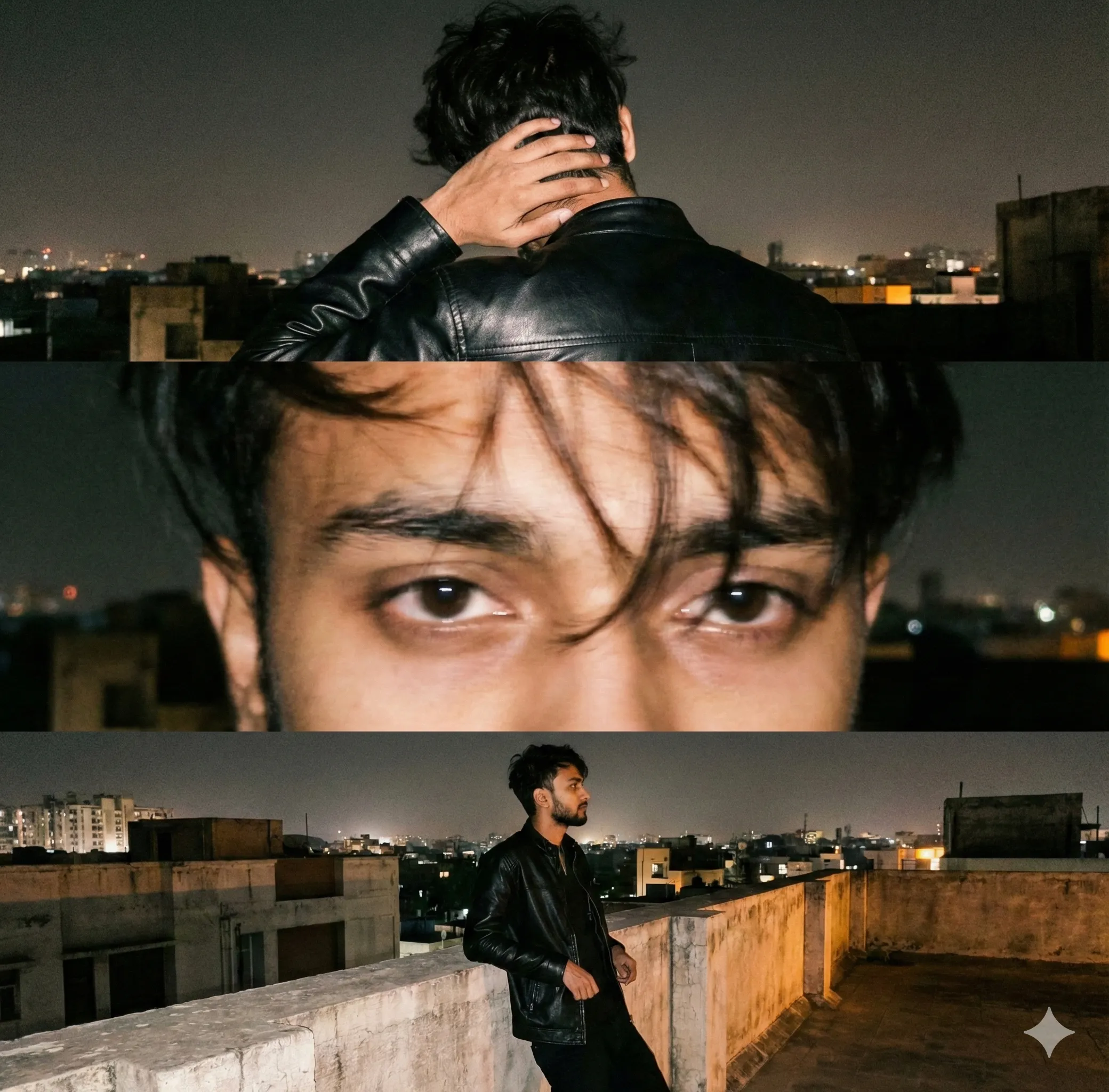
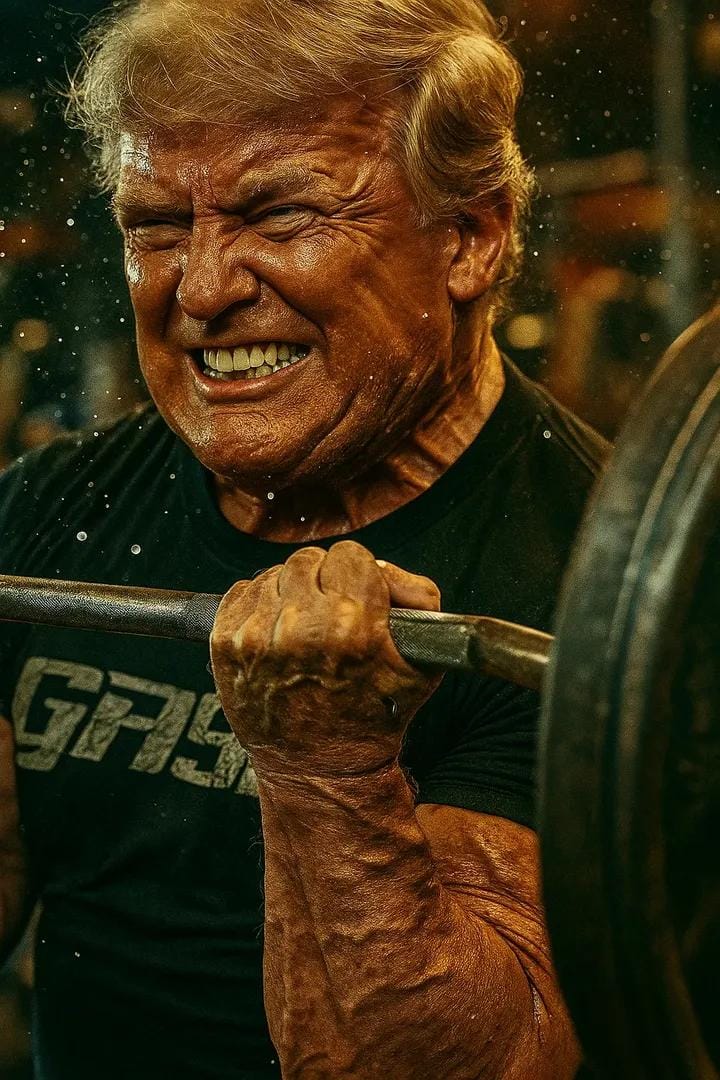
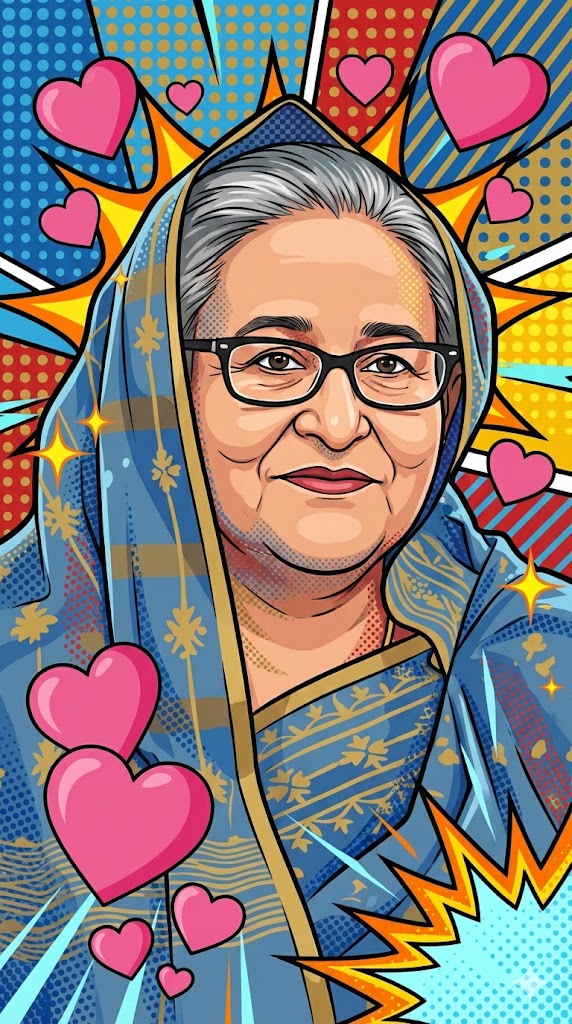
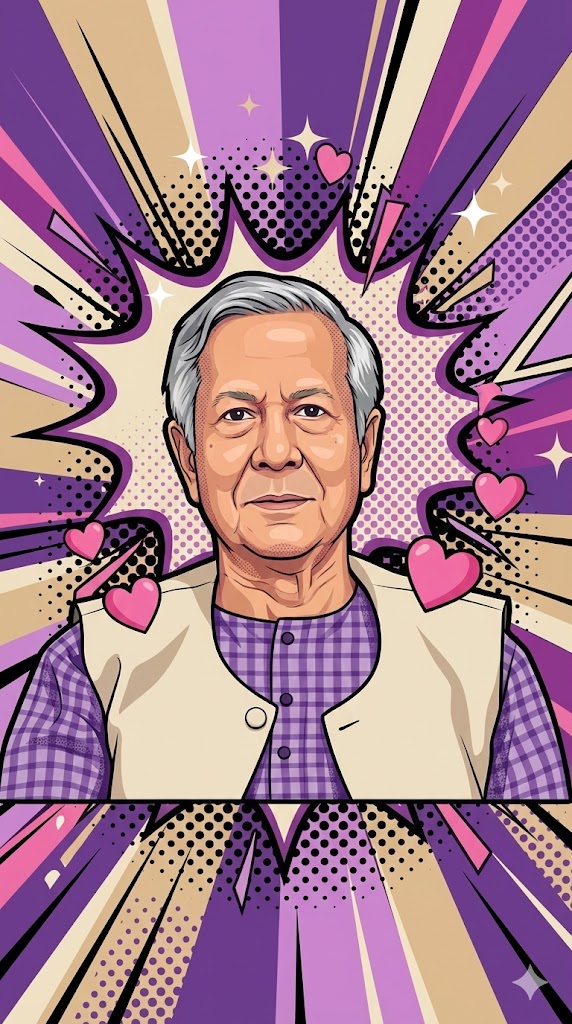
Generated Images
The Prompt
Transform the image into a high-end professional pop-art vector illustration. Use Clean vector shapes with accurate facial features, soft cartoon detailing, minimal halftone shading. Add comic bursts, dotted patterns, motion lines, energy effects, spark highlights using the photo's dominant colors. Bold outlines, crisp edges, vibrant balanced colors, fully color-adaptive pop-art background and some cute pink hearts! aspect ratio 9:16
How to Use
Use this prompt in any AI image generator that accepts an image input. First, upload a clear portrait photo. Then, paste this prompt to transform your photo into a pop-art vector illustration perfect for profile pictures or posters.
Prompt Variations
1. 1. Neon Night Pop-Art Vector
Perfect for an energetic, modern feel. Shifts the color palette to vibrant neon pinks, cyans, and purples against a dark background, making the comic bursts and spark highlights pop like neon signs.
Transform the image into a high-end professional pop-art vector illustration with a neon color palette. Use clean vector shapes with accurate facial features and soft cartoon detailing. Add comic bursts, dotted patterns, motion lines, energy effects, and spark highlights in vibrant neon pinks, cyans, and purples against a dark, moody background. Bold outlines, crisp edges, a fully color-adaptive pop-art background, and some cute pink hearts. Aspect ratio 9:16.
2. 2. Retro 70s Pop-Art Vector
Great for a vintage, funky aesthetic. Uses a groovy 1970s color scheme with warm oranges, mustard yellows, and avocado greens, with the halftone shading and motion lines evoking a retro feel.
Transform the image into a high-end professional pop-art vector illustration with a retro 1970s color scheme. Use clean vector shapes with accurate facial features and soft cartoon detailing, with minimal halftone shading. Add comic bursts, dotted patterns, motion lines, energy effects, and spark highlights in groovy oranges, yellows, and greens. Bold outlines, crisp edges, vibrant balanced colors, a fully color-adaptive pop-art background, and some cute pink hearts. Aspect ratio 9:16.
3. 3. Bold Black and White with Red Accents
Creates maximum graphic contrast. The main portrait is in crisp black and white vector, with all energy effects, comic bursts, and the cute pink hearts rendered in a single, striking bright red.
Transform the image into a high-end professional pop-art vector illustration. The portrait itself uses clean black and white vector shapes with accurate facial features and soft cartoon detailing. All comic bursts, dotted patterns, motion lines, energy effects, and spark highlights are rendered in a single, striking bright red accent color. The background is black and white, but fully color-adaptive. Includes some cute pink hearts. Bold outlines, crisp edges. Aspect ratio 9:16.
4. 4. Pop-Art Vector with Starry Night Background
Adds a whimsical, dreamy element. Replaces the abstract pop-art background with a stylized, vector night sky filled with stars and sparkles, blending pop-art with a softer aesthetic.
Transform the image into a high-end professional pop-art vector illustration. Use clean vector shapes with accurate facial features and soft cartoon detailing, minimal halftone shading. Add comic bursts, dotted patterns, motion lines, and energy effects using the photo's dominant colors. The background is a stylized, vector night sky filled with stars and sparkles, not the typical abstract pattern. Bold outlines, crisp edges, vibrant balanced colors, and some cute pink hearts. Aspect ratio 9:16.
5. 5. Dynamic Diagonal Composition Pop-Art
Increases the sense of action. The portrait is slightly tilted, and all motion lines, comic bursts, and energy effects are angled diagonally across the frame to create a powerful sense of movement and energy.
Transform the image into a high-end professional pop-art vector illustration with a dynamic diagonal composition. The portrait is slightly tilted. Use clean vector shapes with accurate facial features and soft cartoon detailing, minimal halftone shading. Add diagonal comic bursts, dotted patterns, motion lines, and energy effects using the photo's dominant colors. Bold outlines, crisp edges, vibrant balanced colors, a fully color-adaptive pop-art background, and some cute pink hearts. Aspect ratio 9:16.
6. 6. Close-Up Portrait with Exploding Effects
Focuses on the face and energy. A tighter close-up on the face allows the comic bursts and spark highlights to explode from behind the subject's head, creating a halo of pop-art energy.
Transform the image into a high-end professional pop-art vector illustration, focusing on a tight close-up of the face. Use clean vector shapes with accurate facial features and soft cartoon detailing, minimal halftone shading. Add comic bursts, dotted patterns, and energy effects exploding outwards from behind the head, using the photo's dominant colors. Spark highlights are on the eyes. Bold outlines, crisp edges, vibrant balanced colors, a fully color-adaptive background, and some cute pink hearts. Aspect ratio 9:16.
7. 7. Minimalist Pop-Art Vector with Line Art
Simplifies the style for a modern, clean look. Reduces the shading even further, relying primarily on bold outlines and clean color fills, with minimal but strategically placed halftone dots for a fresh, graphic look.
Transform the image into a high-end professional pop-art vector illustration with a minimalist aesthetic. Use clean, bold outlines and simple color fills, with very minimal halftone shading. Facial features are accurate with soft cartoon detailing. Add a few strategic comic bursts, spark highlights, and motion lines using the photo's dominant colors. The background is a fully color-adaptive pop-art design with some cute pink hearts. Crisp edges, vibrant balanced colors. Aspect ratio 9:16.
FAQ
- What kind of photo works best with this pop art prompt?A clear, well-lit headshot or portrait with a simple background works best. The AI needs to see accurate facial features to create the 'soft cartoon detailing' and 'clean vector shapes'.
- Can I use this prompt without uploading a photo?Some AI tools may generate a random pop-art portrait based on the description. However, for a true transformation of a specific person, an image upload is required as the prompt instructs to 'transform the image'.
- What does 'color-adaptive pop-art background' mean?It instructs the AI to create a background that uses and complements the main colors from your photo, ensuring the entire illustration has vibrant, balanced, and harmonious colors.
Related Prompts