Cinematic Subway Portrait AI Prompt: Moody Night Scene
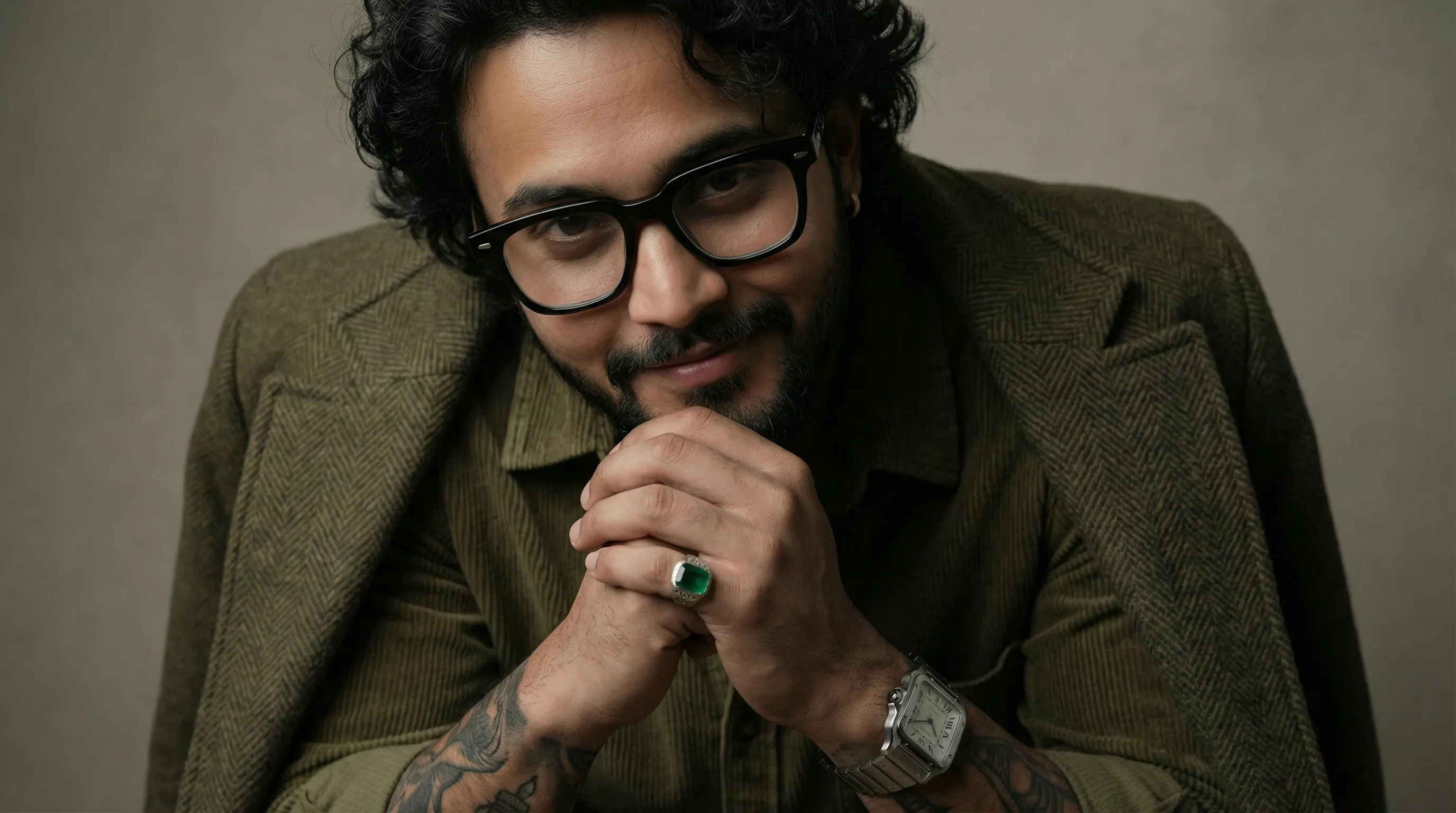
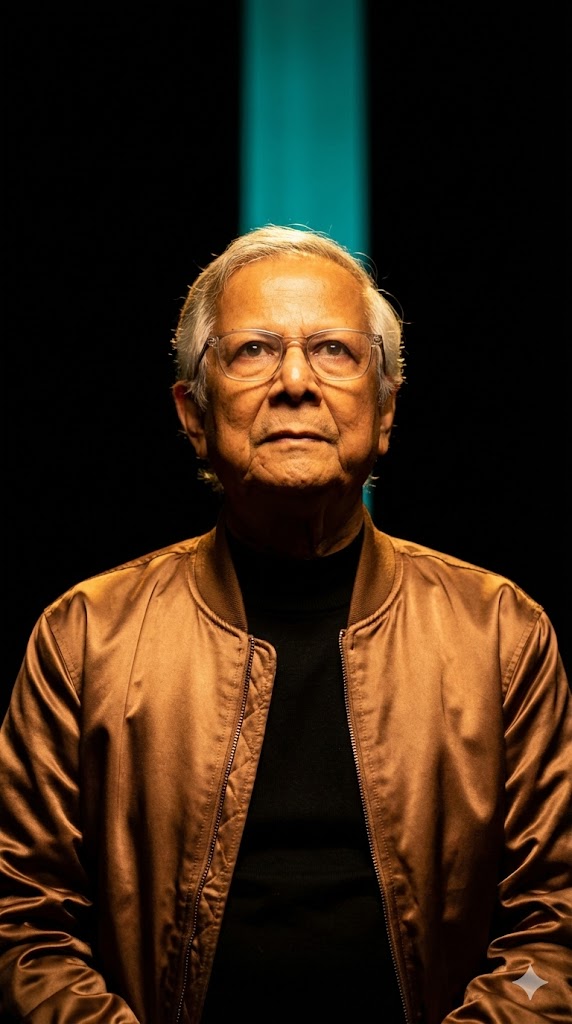
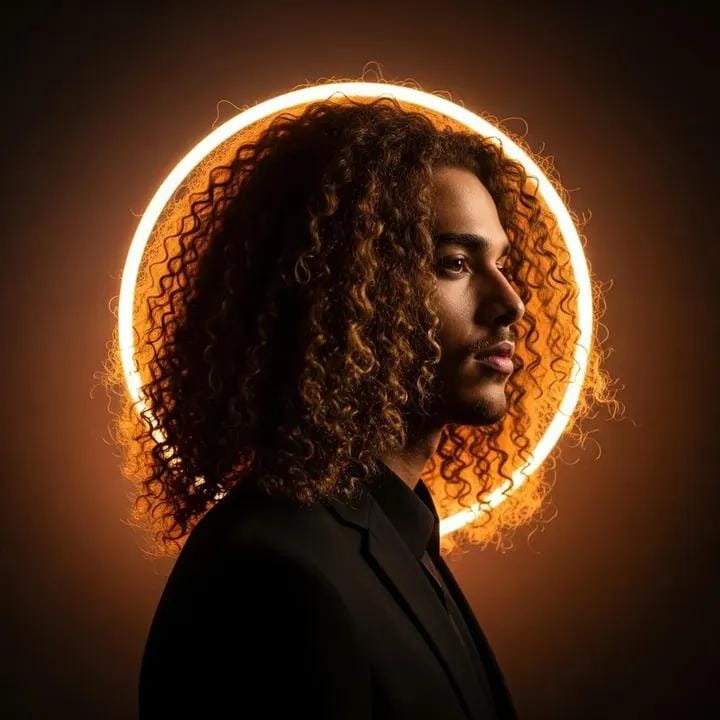
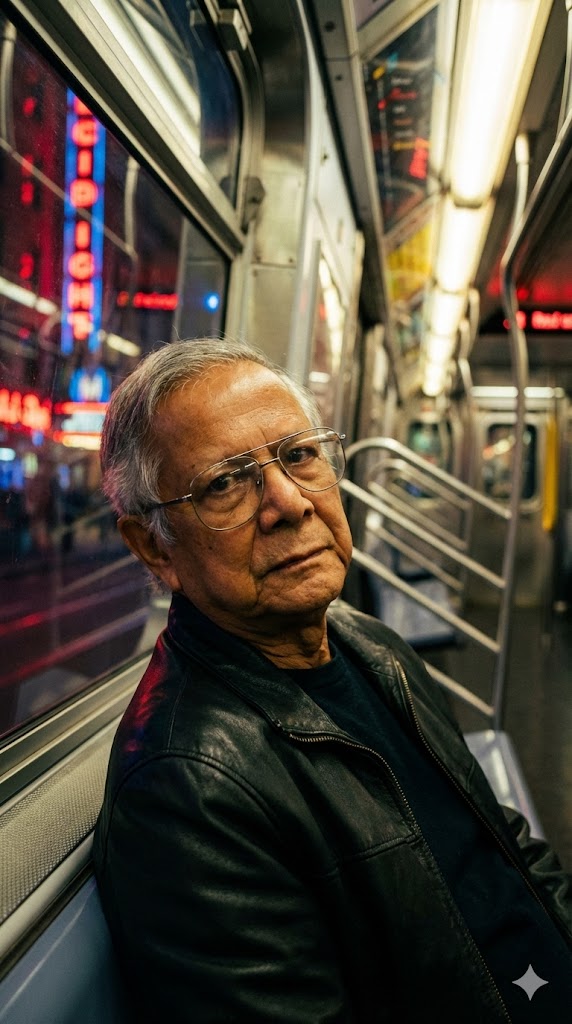
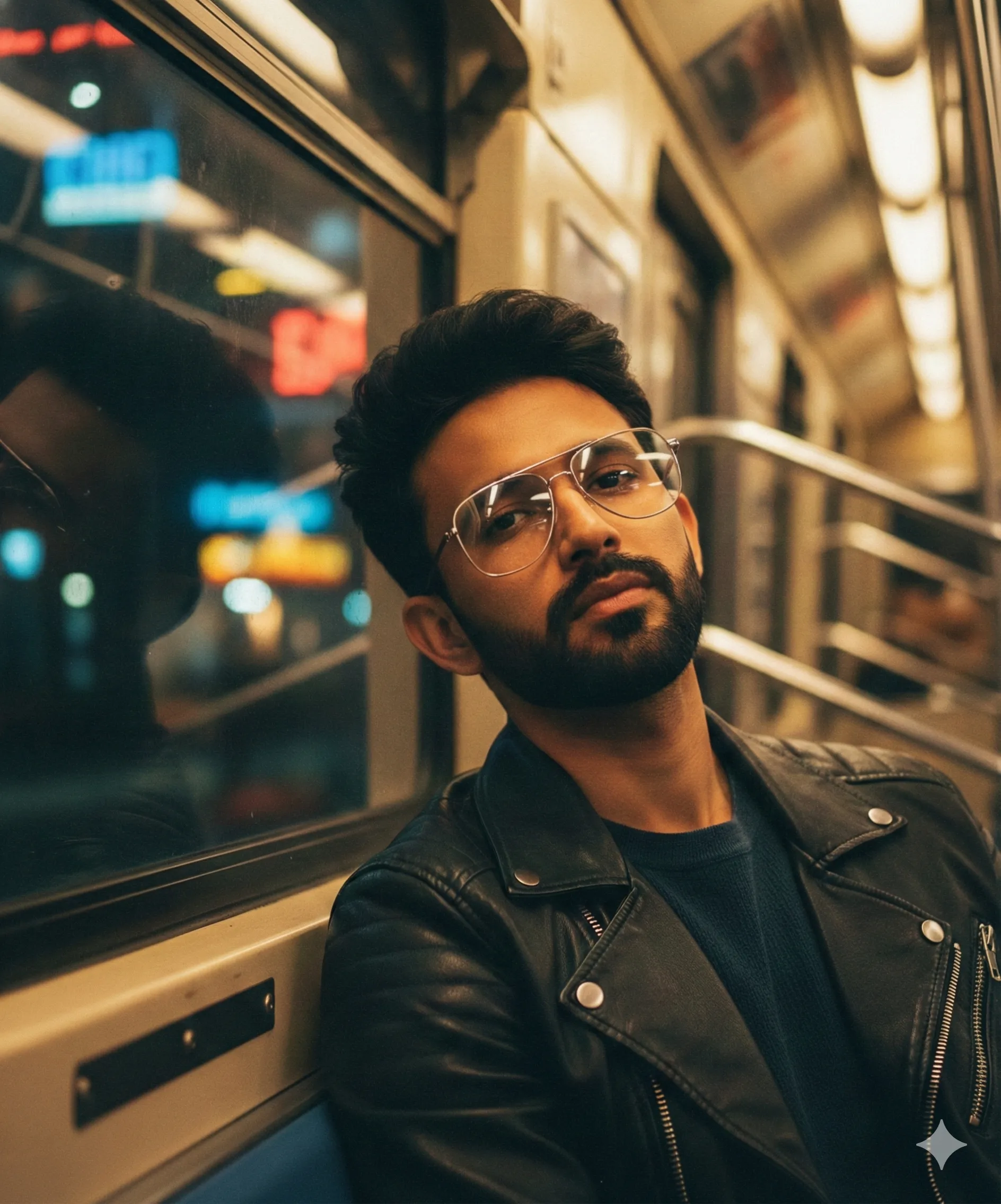
This AI prompt generates a cinematic, close-up portrait of a person on a subway train at night, with glowing neon lights reflecting on the window and their face, creating a moody and thoughtful atmosphere.
Generated Images
The Prompt
Create a Cinematic close-up portrait of exact same facial and physical features from attached image ) sitting inside a subway train at night, leaning against the window. i has the exact same hair , facial structures from the uploaded image, and wears large, thin metal-framed eyeglasses. He’s dressed in a black leather jacket over a dark shirt. Neon city lights in red, blue, and yellow glow outside the train window, reflecting softly on the glass and his face. The subway interior has warm overhead lighting, metallic surfaces, and handrails leading into the depth of the carriage. His expression is calm, thoughtful, and slightly intense as he looks past the camera. Shallow depth of field, sharp focus on face, blurred urban lights outside, moody atmosphere, cinematic color grading, high detail, 4K photography, soft film grain. do according to the image person gender . aspect ratio 9:16
How to Use
Copy the prompt text into your AI image generator (like Midjourney, DALL-E 3, or Stable Diffusion). For best results, use an image of the person you want to feature as a reference. The prompt will create a vertical (9:16) portrait. Adjust keywords like 'calm' or 'intense' to change the subject's expression.
Prompt Variations
1. 1. Rain-Soaked Window Reflection
Best for creating a melancholic, isolated mood. This variation adds heavy rain streaming down the outside of the window, distorting the neon lights into beautiful, watery abstract blurs and creating a reflective, tear-like effect on the glass.
Create a Cinematic close-up portrait of exact same facial and physical features from attached image sitting inside a subway train at night, leaning against a rain-streaked window. i has the exact same hair, facial structures from the uploaded image, and wears large, thin metal-framed eyeglasses. He’s dressed in a black leather jacket over a dark shirt. Heavy rain outside the train window blurs red, blue, and yellow neon city lights into flowing, abstract patterns, reflecting softly on the wet glass and his face. The subway interior has warm, dim overhead lighting creating a stark contrast. His expression is melancholic and introspective as he looks past the camera. Shallow depth of field, sharp focus on face, rainy bokeh background, moody atmosphere, cinematic color grading with deep teals and ambers, high detail, 4K photography, soft film grain. do according to the image person gender. aspect ratio 9:16
2. 2. Empty Carriage, Deep Focus
Ideal for emphasizing solitude and vastness. This version changes the angle to a wider shot looking down the length of an almost empty carriage, placing the subject as a small, contemplative figure within a large, metallic space.
Create a Cinematic wide portrait of exact same facial and physical features from attached image sitting alone inside a near-empty subway train at night. i has the exact same hair, facial structures from the uploaded image, and wears large, thin metal-framed eyeglasses. He’s dressed in a black leather jacket over a dark shirt, seated by the window. The composition looks down the length of the carriage, showing rows of empty seats, metallic handrails, and warm overhead lights leading into the depth of the frame. Neon city lights in red, blue, and yellow glow outside the windows. His expression is calm and solitary as he looks out. Deep depth of field keeping both the subject and the carriage interior in focus, moody atmosphere, cinematic color grading, high detail, 4K photography, soft film grain. do according to the image person gender. aspect ratio 9:16
3. 3. Dutch Angle Tilt
Perfect for adding a sense of unease, tension, or dynamic energy. This variation employs a tilted Dutch angle shot, making the familiar subway setting feel disorienting and psychologically charged.
Create a Cinematic close-up portrait of exact same facial and physical features from attached image sitting inside a subway train at night, leaning against the window, shot on a dramatic Dutch angle. i has the exact same hair, facial structures from the uploaded image, and wears large, thin metal-framed eyeglasses. He’s dressed in a black leather jacket over a dark shirt. Neon city lights in red, blue, and yellow glow outside the train window, streaking horizontally due to the train's motion. The tilted frame creates a sense of tension and unease. The subway interior has warm overhead lighting. His expression is intense and focused as he looks past the camera. Shallow depth of field, sharp focus on face, blurred urban lights outside, moody atmosphere, cinematic color grading, high detail, 4K photography, soft film grain. do according to the image person gender. aspect ratio 9:16
4. 4. Harsh Top Lighting, Film Noir
Excellent for a dramatic, high-contrast noir aesthetic. This variation shifts the lighting to a harsh top-down source, casting deep shadows over the subject's eyes and creating a classic, mysterious film look.
Create a Cinematic close-up portrait of exact same facial and physical features from attached image sitting inside a subway train at night, leaning against the window, lit by harsh, direct overhead lighting in the style of film noir. i has the exact same hair, facial structures from the uploaded image, and wears large, thin metal-framed eyeglasses that catch the light. He’s dressed in a black leather jacket over a dark shirt. Harsh top light casts deep shadows over his eyes and under his cheekbones. Neon city lights in red, blue, and yellow glow softly outside the train window, reflecting subtly on the glass. His expression is mysterious and guarded as he looks past the camera. Shallow depth of field, sharp focus on face, high contrast, cinematic black and white color grading with subtle amber tones, high detail, 4K photography, heavy film grain. do according to the image person gender. aspect ratio 9:16
5. 5. Split Lighting Through the Window
Creates a powerful, graphic portrait. This variation uses the window frame to cast a dramatic split light across the subject's face, half in shadow from the interior, half illuminated by the cool glow of the neon city.
Create a Cinematic close-up portrait of exact same facial and physical features from attached image sitting inside a subway train at night, leaning against the window, with dramatic split lighting. i has the exact same hair, facial structures from the uploaded image, and wears large, thin metal-framed eyeglasses. He’s dressed in a black leather jacket over a dark shirt. The window frame casts a strong shadow, splitting his face into two halves: one side in warm shadow from the interior, the other illuminated by cool, colorful neon city lights in red, blue, and yellow glowing outside. The lights reflect softly on the glass and the lit side of his face. His expression is calm and thoughtful. Shallow depth of field, sharp focus on face, moody atmosphere, cinematic color grading with a teal and orange contrast, high detail, 4K photography, soft film grain. do according to the image person gender. aspect ratio 9:16
6. 6. Motion Blur, Train in Transit
Best for conveying speed, energy, and the transient nature of city life. This version captures the subject in sharp focus while the background tunnel and platform lights become powerful, directional motion blurs.
Create a Cinematic close-up portrait of exact same facial and physical features from attached image sitting inside a moving subway train at night, leaning against the window, with the background in motion blur. i has the exact same hair, facial structures from the uploaded image, and wears large, thin metal-framed eyeglasses. He’s dressed in a black leather jacket over a dark shirt. The train is in a tunnel, and the lights of the tunnel walls and passing stations are blurred into powerful, colorful streaks of red, blue, and yellow outside the window, reflecting dynamically on the glass. His expression is calm and intense as he looks past the camera. Shallow depth of field, sharp focus on face, fast-paced atmosphere, cinematic color grading, high detail, 4K photography, soft film grain. do according to the image person gender. aspect ratio 9:16
7. 7. Warm, Intimate Gaze
Shifts the mood to a more intimate, personal connection. This variation uses softer, warmer interior lighting and changes his gaze to be directed gently towards the viewer, creating a sense of quiet invitation.
Create a Cinematic close-up portrait of exact same facial and physical features from attached image sitting inside a subway train at night, leaning against the window. i has the exact same hair, facial structures from the uploaded image, and wears large, thin metal-framed eyeglasses. He’s dressed in a black leather jacket over a dark shirt. The subway interior is bathed in warm, soft overhead lighting, creating a cozy and intimate atmosphere. Neon city lights in muted red, blue, and yellow glow softly outside the train window, reflecting gently on the glass. His expression is calm and gentle as he looks directly towards the viewer. Shallow depth of field, sharp focus on face, blurred urban lights outside, intimate mood, cinematic color grading with warm tones, high detail, 4K photography, soft film grain. do according to the image person gender. aspect ratio 9:16
FAQ
- What AI image generators work with this prompt?This prompt works with Midjourney, DALL-E 3, Stable Diffusion, and most other generators. For character consistency, use the reference image feature in Midjourney or Stable Diffusion's img2img.
- How do I get the AI to use a specific person's face?Upload a clear photo of the person to your AI tool and reference it in the prompt. In Midjourney, use the /describe command on your image first, then blend those details into this prompt.
- Why is the aspect ratio 9:16?9:16 is a vertical portrait format, perfect for close-up shots and mobile wallpapers. It mimics the look of modern phone photography and cinematic trailers.
Related Prompts