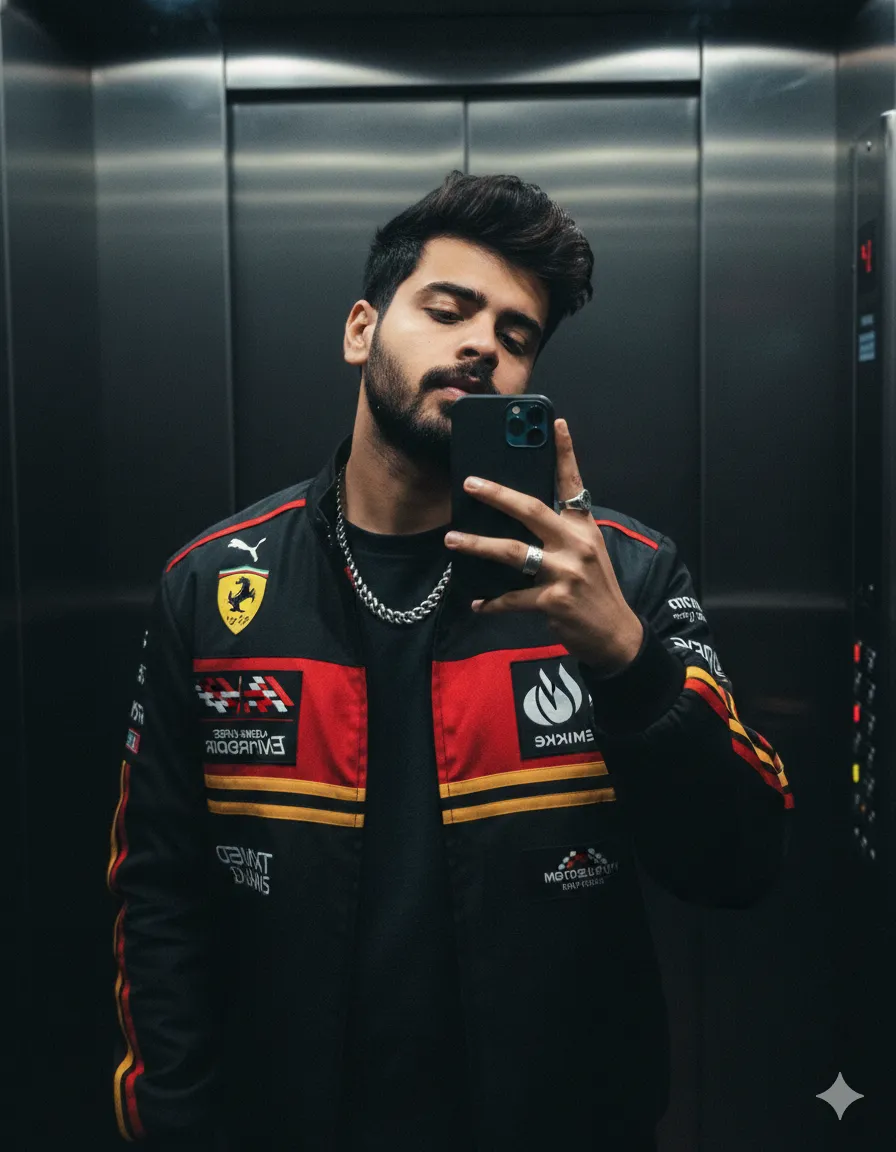
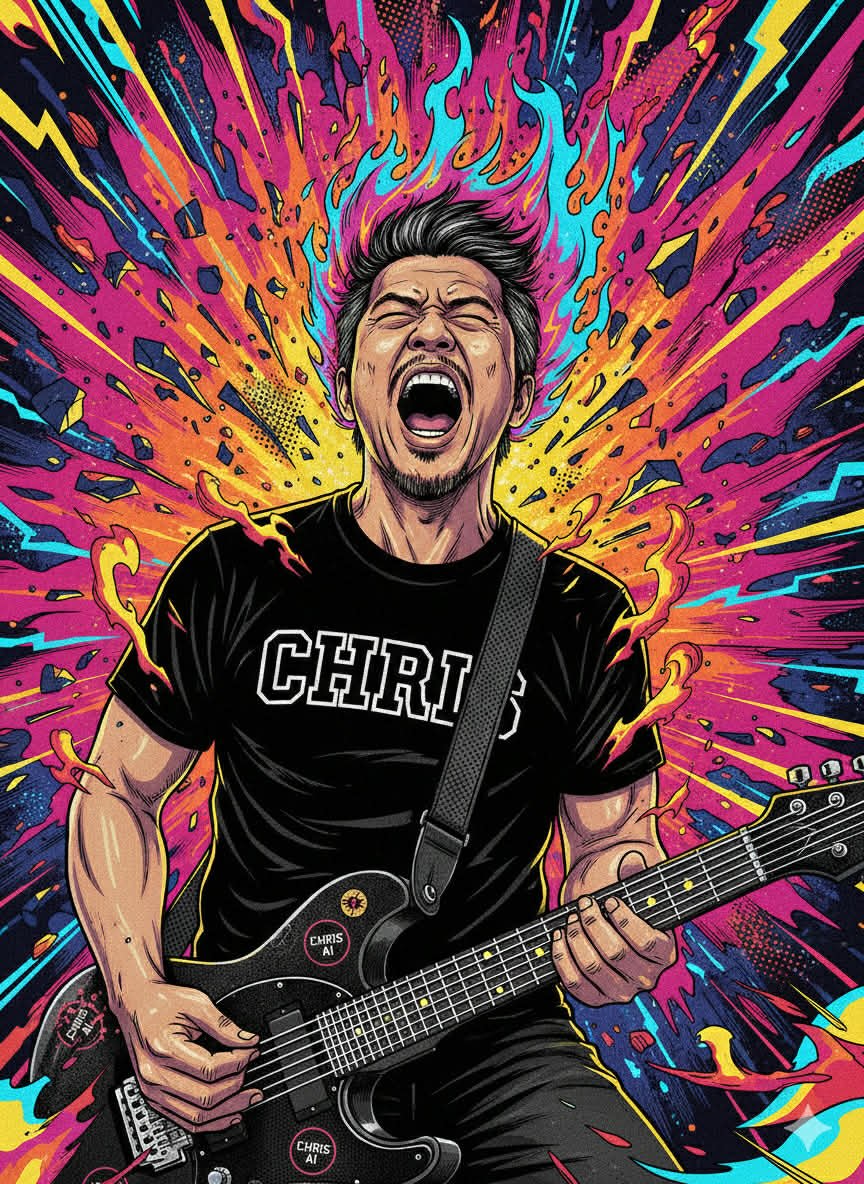
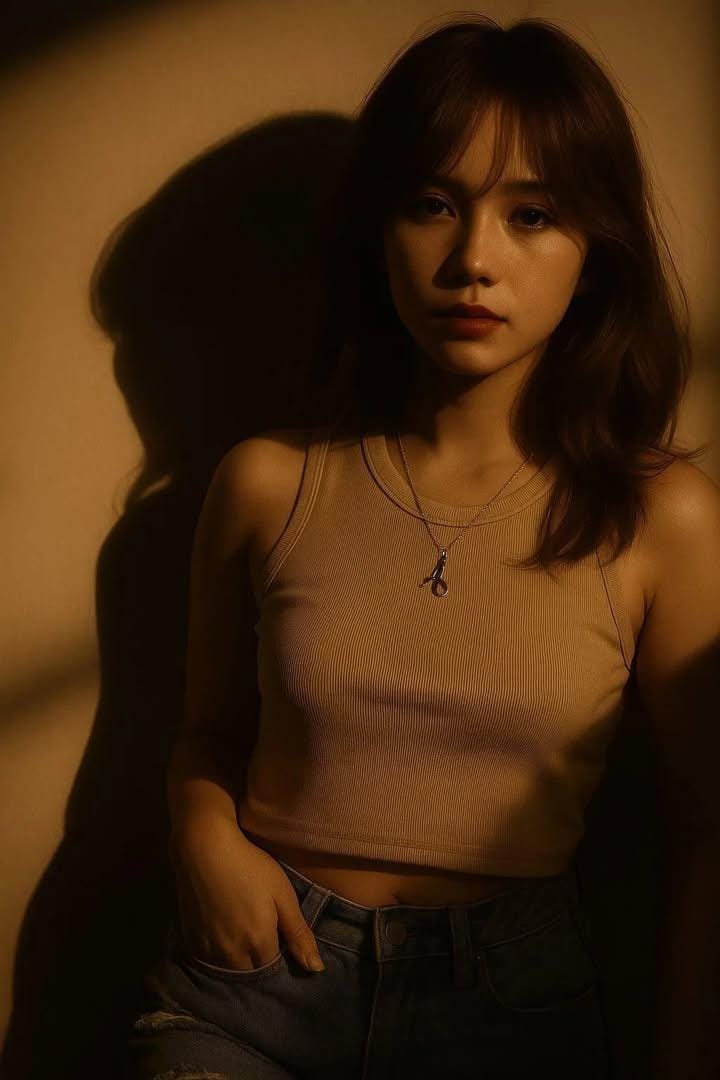
Moody Golden Hour Selfie
Generated Images

The Prompt
Create a moody, mysterious portrait using my selfie.
Keep the same lighting, background, and camera angle as the reference: warm golden-hour sunlight casting dramatic shadows on a plain wall. Replace my hairstyle with medium-length, slightly wavy hair. Smoothen the skin to make it fair and flawless, and maintain a calm, introspective expression. Ensure the strong shadow of the face on the wall is visible. Ratio:
4:3. Match the pose and overall cinematic tone.
Hala!ka perfect ba!
How to Use
To use this prompt professionally, employ it for portrait editing in photography studios, personal branding, or social media profile enhancements. Use tools like Photoshop AI with a selfie upload, replacing "medium-length, slightly wavy hair" if needed but keeping "same lighting, background, and camera angle," "smoothen the skin," and "calm, introspective expression" unchanged for cinematic tone. Do not alter the strong shadow, 4:3 ratio, or warm golden-hour sunlight. Changing hair to "short curly" could produce varied professional headshots, leading to flawless results, whereas "long straight" might suit fashion portfolios with moody, introspective outcomes.
Prompt Variations
1. 1. Twilight Indigo Mood
Ideal for a cooler, more mysterious feel. Shifts the golden hour to twilight with indigo shadows and softer light.
Create a moody, mysterious portrait using my selfie. Keep the same pose, camera angle, and dramatic shadow effect as the reference but shift to twilight: cool blue-hour sunlight casting long indigo shadows on a plain wall. Replace my hairstyle with medium-length, slightly wavy hair with cool tones. Smoothen the skin to make it fair and flawless, and maintain a calm, introspective expression. Ensure the strong shadow of the face on the wall is visible with blue undertones. Ratio: 4:3. Match the pose and overall cinematic tone with a cooler palette.
2. 2. Rays of Light Through Blinds
Perfect for adding graphic structure. Introduces window blind shadows creating striped patterns across the face and wall.
Create a moody, mysterious portrait using my selfie. Keep the warm golden-hour sunlight but add window blinds casting dramatic striped shadows on the face and plain wall. Replace my hairstyle with medium-length, slightly wavy hair. Smoothen the skin to make it fair and flawless, and maintain a calm, introspective expression. Ensure the strong shadow of the face on the wall is visible with added blind pattern. Ratio: 4:3. Match the pose and overall cinematic tone with added graphic structure.
3. 3. Misty Golden Veil
Great for an ethereal, dreamlike quality. Adds a thin layer of atmospheric haze or dust motes catching the light.
Create a moody, ethereal portrait using my selfie. Keep the same lighting, background, and camera angle as the reference: warm golden-hour sunlight casting dramatic shadows on a plain wall, but add a thin atmospheric haze with visible dust motes catching the light. Replace my hairstyle with medium-length, slightly wavy hair. Smoothen the skin to make it fair and flawless, and maintain a calm, introspective expression. Ensure the strong shadow of the face on the wall is visible through the haze. Ratio: 4:3. Match the pose and overall cinematic tone with a dreamlike quality.
4. 4. Rustic Textured Wall
Best for adding visual interest to the background. Changes the plain wall to a weathered, textured surface like old plaster or stone.
Create a moody, mysterious portrait using my selfie. Keep the same lighting and camera angle as the reference: warm golden-hour sunlight casting dramatic shadows, but change the background to a textured weathered plaster wall with subtle imperfections. Replace my hairstyle with medium-length, slightly wavy hair. Smoothen the skin to make it fair and flawless, and maintain a calm, introspective expression. Ensure the strong shadow of the face on the textured wall is visible. Ratio: 4:3. Match the pose and overall cinematic tone with added rustic character.
5. 5. Profile in Shadow
Ideal for a more abstract composition. Shifts the angle slightly to emphasize the profile and shadow more than the full face.
Create a moody, mysterious portrait using my selfie. Keep the warm golden-hour lighting and plain wall background but shift to a more pronounced profile angle where the shadow becomes the main compositional element. Replace my hairstyle with medium-length, slightly wavy hair. Smoothen the skin to make it fair and flawless, and maintain a calm, introspective expression. Ensure the strong shadow of the face on the wall dominates the right side of the frame. Ratio: 4:3. Match the overall cinematic tone with emphasis on silhouette and shadow.
6. 6. Golden Hour with Warm Flare
Perfect for a romantic, cinematic look. Adds a subtle lens flare where the sun kisses the edge of the frame.
Create a moody, cinematic portrait using my selfie. Keep the same lighting, background, and camera angle as the reference: warm golden-hour sunlight casting dramatic shadows on a plain wall, but add a subtle golden lens flare at the edge where the sun hits the lens. Replace my hairstyle with medium-length, slightly wavy hair. Smoothen the skin to make it fair and flawless, and maintain a calm, introspective expression. Ensure the strong shadow of the face on the wall is visible with a warm glow. Ratio: 4:3. Match the pose and overall cinematic tone with a romantic lens flare effect.
7. 7. Urban Window Reflection
Great for a contemporary edge. Introduces a faint reflection of a cityscape or trees in the subject's eyes or on the wall.
Create a moody, mysterious portrait using my selfie. Keep the warm golden-hour sunlight and plain wall background but add a faint reflection of an urban cityscape or trees visible in the subject's eyes and subtly projected on the wall. Replace my hairstyle with medium-length, slightly wavy hair. Smoothen the skin to make it fair and flawless, and maintain a calm, introspective expression. Ensure the strong shadow of the face on the wall is visible with the cityscape overlay. Ratio: 4:3. Match the pose and overall cinematic tone with added urban depth.
FAQ
- What specific elements from the reference selfie must be kept the same?The same lighting, background, camera angle, pose, and overall cinematic tone must be maintained.
- What changes are to be made to the hairstyle and skin?The hairstyle is to be replaced with medium-length, slightly wavy hair, and the skin is to be smoothened to make it fair and flawless.
Related Prompts